
How to Get Your CMQ Proof of Registration
Follow these steps to download proof of your registration on the Roll of the Order (Tableau de l’ordre) from the CMQ’s secure member area, Accès M.D. This document is required for verification purposes.
What it looks like
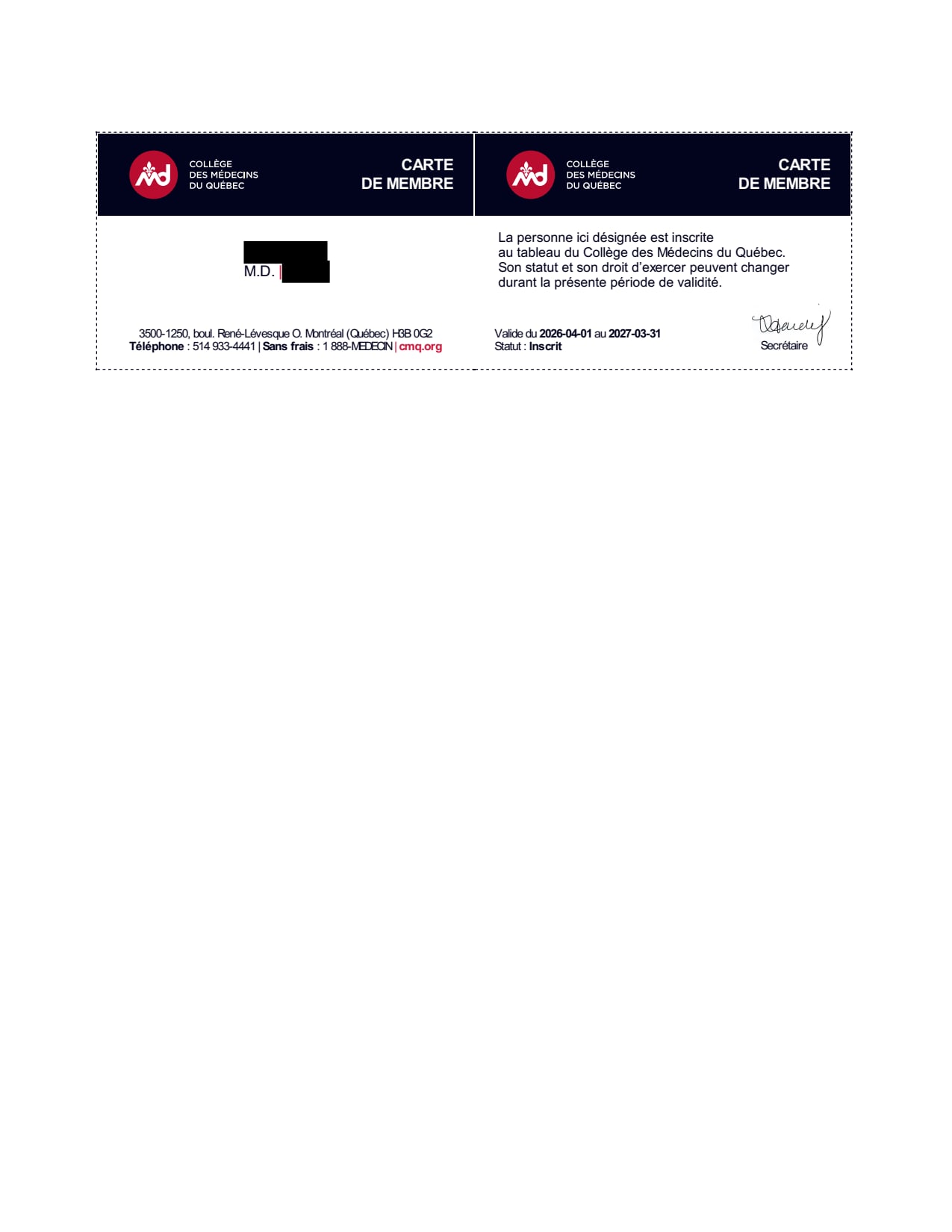
A PDF from the Collège des médecins du Québec confirming you are registered on the Roll of the Order. Yours will show your name, CMQ permit number (5 digits), permit type, and specialty. It may be in French.
Steps to Retrieve Your Certificate of Registration
- 1
Go to cmq.org and click “Accès M.D.” at the top of the page. Log in with your CMQ credentials.
Open cmq.org - 2
Open “Mon profil” (My profile).
- 3
Select “Mes documents et messages sécurisés” (My secure documents and messages).
- 4
Open your proof of registration on the Roll (attestation d’inscription au tableau) and download it as a PDF.
Can't find your certificate?
We also accept your CMQ annual dues receipt (reçu de cotisation). You can reach your dues from Accès M.D. through the link to “Mon dossier”, CMQ’s transaction area. Download the receipt for the current year as a PDF.
For more information, call CMQ at 514 933-4441 or see CMQ’s Accès M.D. page.