
How to Get Your CPSA Practice Permit (Certificate of Registration)
Follow these steps to download your practice permit from the CPSA Portal. This document is required for verification purposes.
What it looks like
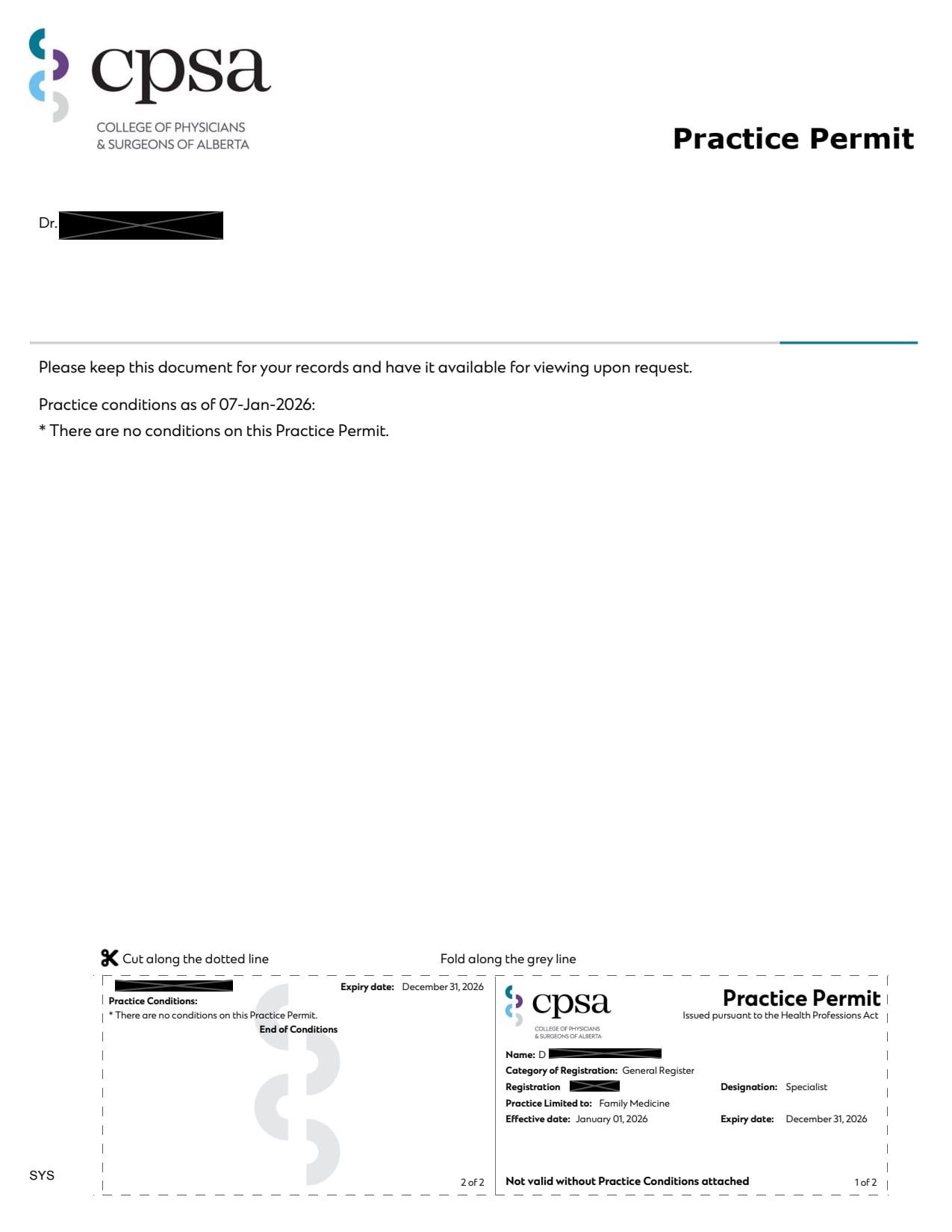
A PDF of your CPSA practice permit for the current year. Yours will show your name, CPSA registration number, register/category, and the dates your permit is valid.
Steps to Retrieve Your Certificate of Registration
- 1
Log in to the CPSA Portal at portal.cpsa.ca using your CPSA registration number and password.
Open CPSA Portal - 2
Go to the section of the portal that holds your permits and receipts.
- 3
Find your current practice permit and open it.
- 4
Download or print the permit as a PDF.
Can't find your certificate?
If you just completed your annual Renewal Information Form (RIF), allow three business days for your new permit to appear. We also accept your CPSA annual fee receipt, which is kept in the CPSA Portal with your permits. Download the receipt for the current year as a PDF.
Contact CPSA through the CPSA Contact Us page.