
How to Get Your CPSO Certificate of Registration
Follow these steps to download your Certificate of Registration from the CPSO Member Portal. This document is required for verification purposes.
What it looks like
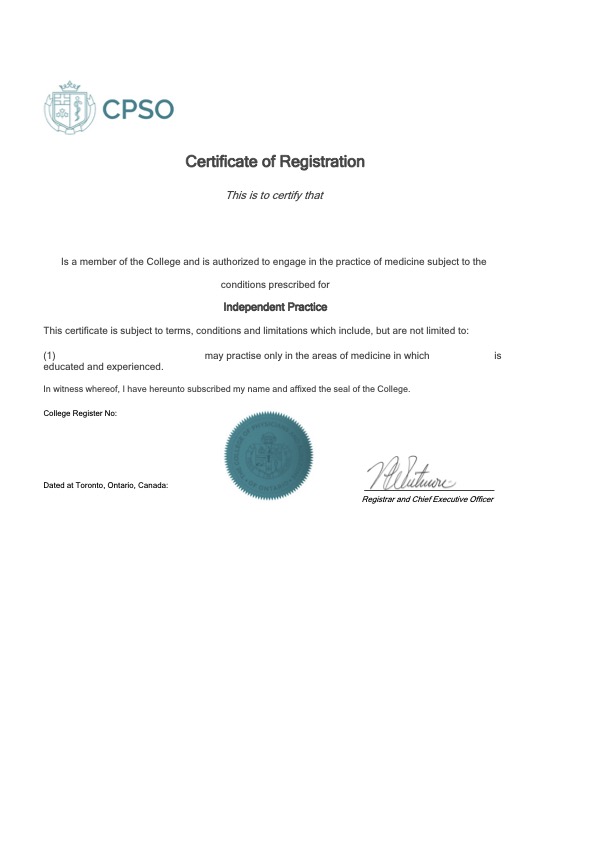
A one-page PDF titled “Certificate of Registration” with the CPSO seal. Yours will show your name, registration class, and College register number.
Steps to Retrieve Your Certificate of Registration
- 1
Log in to your CPSO Member Portal.
- 2
Go to the “Profile” section.
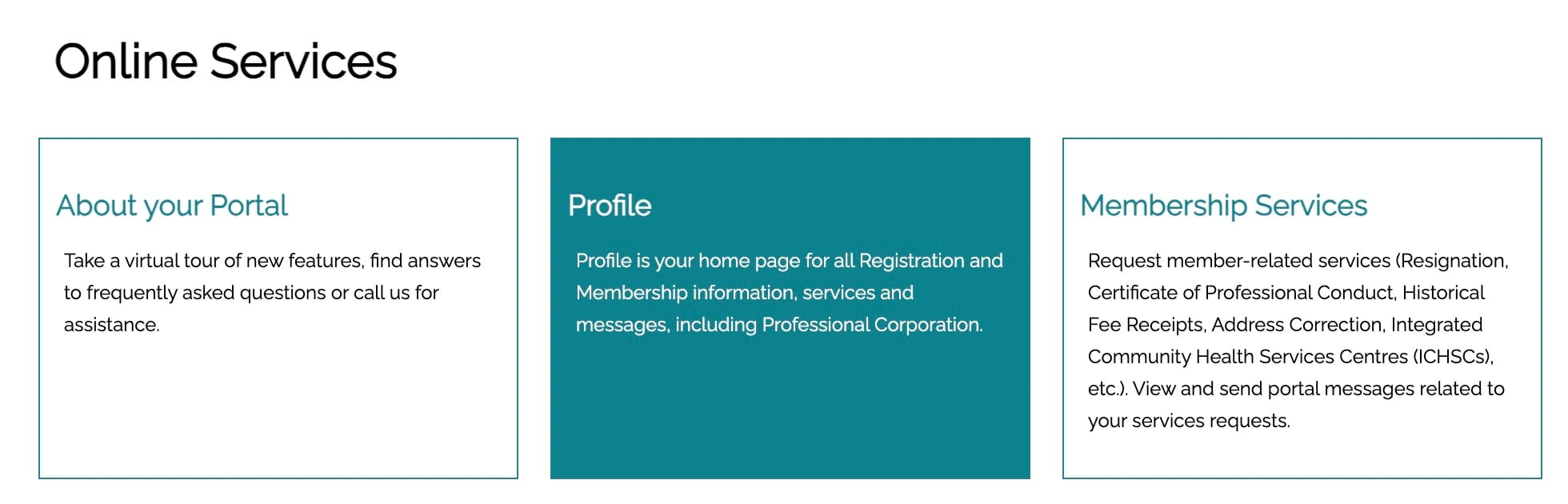
- 3
Select “Registration” from the menu on the left of the screen.
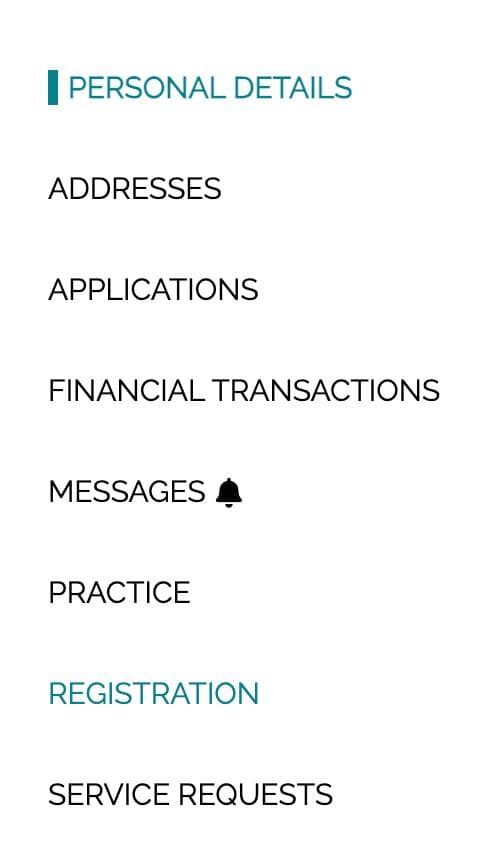
- 4
Under “Current Registration Certificate”, open the dropdown on the right and click “View Record”.

- 5
Click “Registration Certificate” and download it as a PDF file.

Can't find your certificate?
We also accept your CPSO annual fee receipt. In the “Profile” section, go to “Financial Transactions”, then “Paid Invoices”, and download the receipt as a PDF.
For more information, please consult the official CPSO Member Portal Resources page.